

A practical guide for Bangladeshi businesses
POS Software in Bangladesh: Choose the Right Fit for Your Business
Learn how a point-of-sale system handles billing, stock and reporting, what to check before buying, and when a custom solution makes sense for your shop.
Need a POS system built around the way your business works?
What Is POS Software, and How Does It Help Businesses in Bangladesh?
POS (point-of-sale) software is a system for recording sales, producing bills, tracking inventory and reviewing business activity. In a Bangladeshi retail shop, it can help staff scan an item, calculate the total and issue a receipt while updating the stock record. Instead of reconciling handwritten sales notes at closing time, the owner can review the day’s transactions in one place.
For a grocery store, stock records can make it easier to spot fast-selling essentials and plan replenishment. A clothing shop can track sizes and colours separately, while a pharmacy or electronics retailer may need clear product records and a searchable sales history. The right setup depends on the business: ask whether it supports your billing process, payment methods, reporting needs and any additional branches before choosing a ready-made or custom system.
In This Guide
Understand the Basics
Compare Your Options
How to Choose the Right POS Software
Use this eight-point checklist to assess a POS system against the way your shop operates in Bangladesh, rather than choosing on features alone.
1–3. Daily Operations
1. List your business requirements, from shop locations to staff roles. 2. Check inventory features for stock updates, variants, returns and low-stock alerts. 3. Test billing and payment workflows, including receipts, discounts and the payment methods your customers use.
4–6. Control and Growth
4. Review sales reports and accounting needs, including exports or integrations. 5. Ask how access permissions, security and backups work. 6. Check whether the system can accommodate more products, users or branches as your business grows.
7–8. Support and Demonstration
7. Confirm what technical support covers and when it is available. 8. Request a demonstration using a real task—such as scanning a product, completing a sale and checking the resulting stock balance.
Custom POS Software vs Ready-Made POS Software
Consideration
Custom: tailored to specific workflows
Ready-made: suits common retail processes
Custom: useful for distinct requirements
Ready-made: practical when standard tools fit
Features and Flexibility
Custom: features defined around your needs
Ready-made: features set by the provider
Custom: changes may require development
Ready-made: changes depend on available settings
Setup, Support and Cost
Custom: planning and build time; scope affects cost
Ready-made: typically quicker to configure; check licence terms
Custom: agree on support and maintenance arrangements
Ready-made: review provider support and ongoing fees
How Much Does POS Software Cost in Bangladesh?
There is no single price that fits every POS project in Bangladesh. Development cost depends on the scope of the system: a single-counter shop with basic sales and stock tracking has different requirements from a multi-branch business needing custom reports, user permissions or accounting integration. Barcode hardware, payment services and other integrations can also affect the work involved.
For a ready-made product, compare licensing terms as well as the initial setup. Ask whether charges vary by user, register or branch, and whether updates are included. For either option, clarify whether deployment is cloud-based or on-premises, what hosting or equipment is needed, and how backups are handled. Request a written breakdown covering implementation, training, technical support and ongoing maintenance so you can compare the total cost against your requirements.

Genuine product visuals only
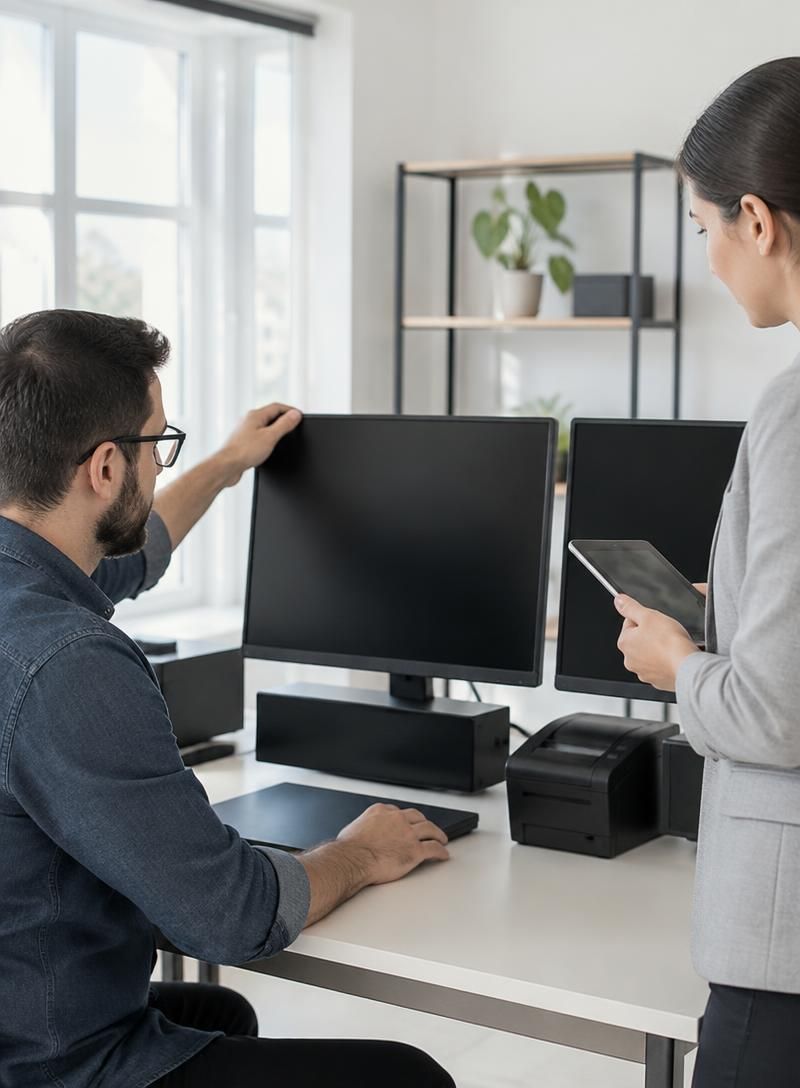
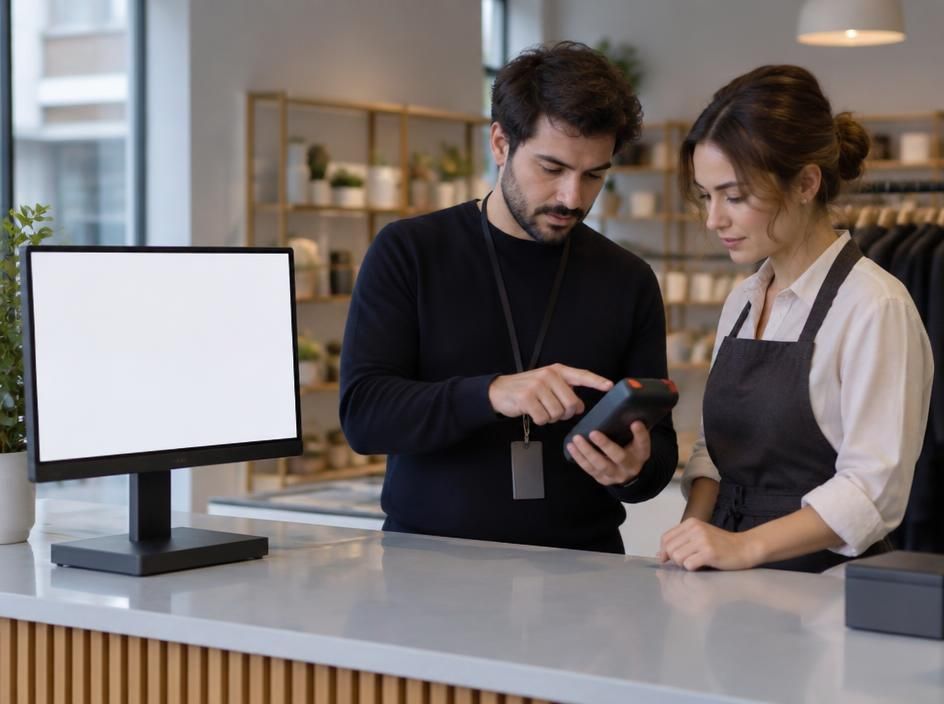
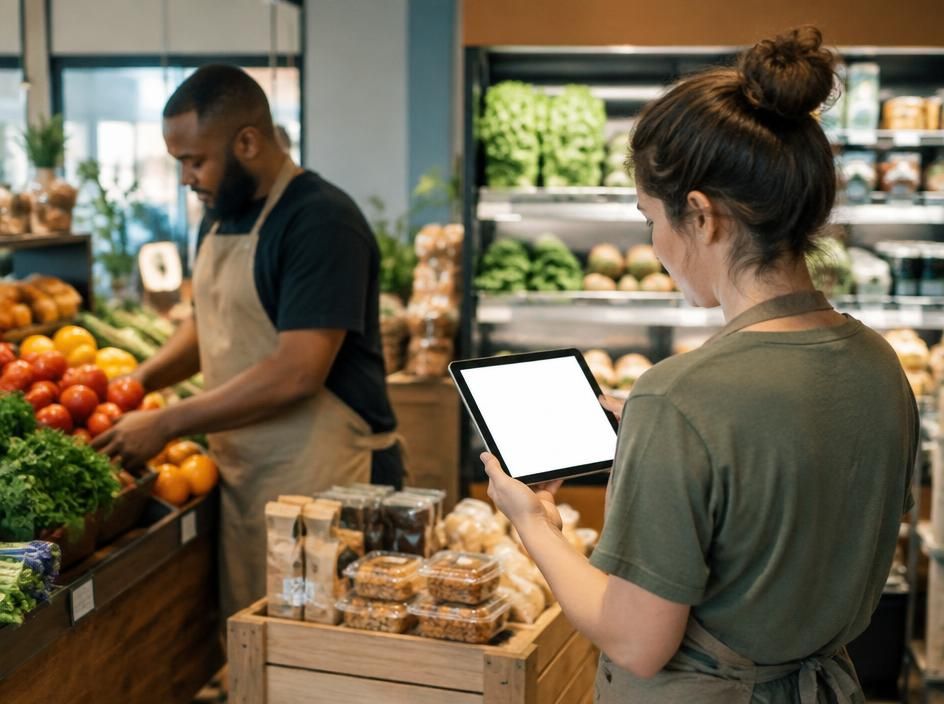
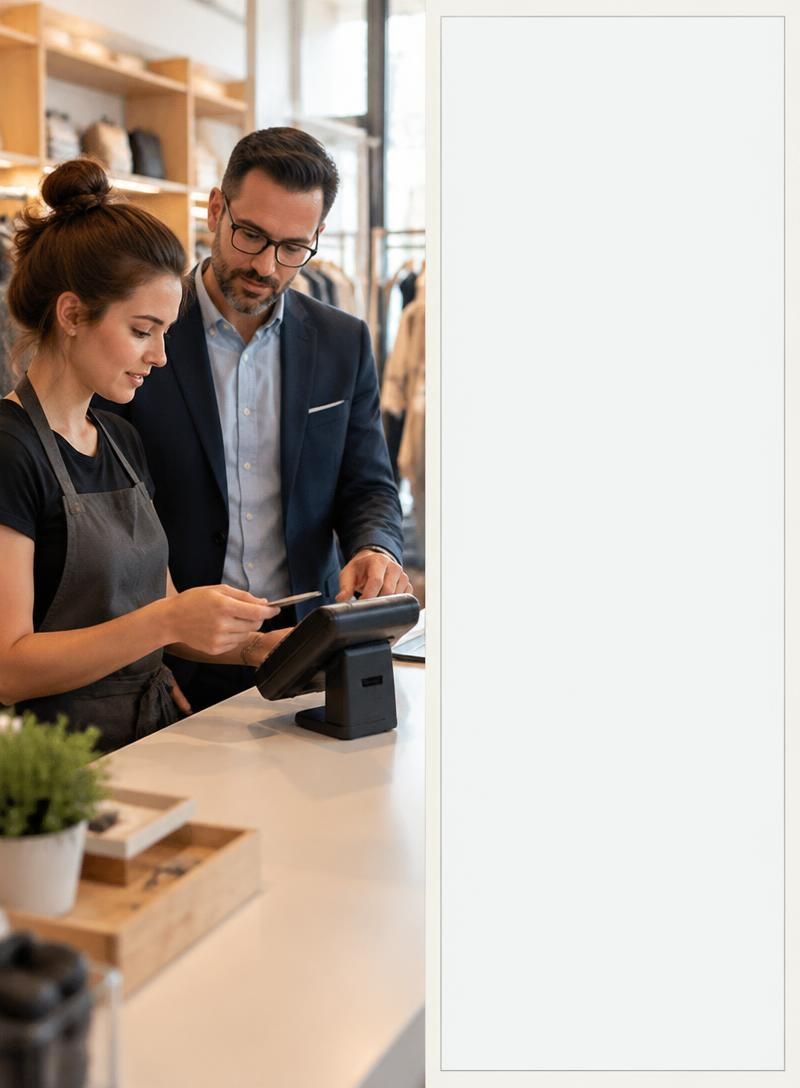
POS Screenshots and Workflow Demonstrations




POS Software Development at Fariha Computer
Fariha Computer offers software development services for businesses in Bangladesh, including POS software development. A customized POS solution can be scoped around a shop’s actual requirements: how staff create bills, record payments, scan barcodes, track stock, review reports, and manage one or more locations. The appropriate features, deployment approach, and integrations should be agreed after reviewing the business’s existing workflow. Company history, client examples, credentials, and completed project results should be added only when verified.

Frequently Asked Questions About POS Software
Which POS software suits a retail shop in Bangladesh?
Choose a POS system that fits your shop’s billing, inventory and reporting needs. If you accept cash and mobile financial services, confirm those workflows in a demonstration.
Can POS software update inventory and scan barcodes?
Yes, if those features are included. Sales can reduce recorded stock automatically, while a compatible barcode scanner can speed up checkout. Ask to see both workflows in a demo.
Can one POS system manage multiple shops?
Yes, a multi-branch POS can track sales and stock by location. Check whether staff permissions and transfers between shops meet your requirements.
Can POS software integrate with accounting?
Some systems offer built-in accounting reports or integrations. Confirm which sales, tax and expense data can be shared with your accounting workflow.
Is cloud or desktop POS better, and how do I request a demo?
Cloud POS supports access across locations but depends on connectivity; desktop POS can suit a single shop with limited internet access. Discuss your setup with Fariha Computer and request a demonstration through WhatsApp.
Explore POS Software and Business Technology Articles

Pharmacy Management Software in the Bangladesh: What to Check Before You Buy
The best pharmacy system for your facility connects safe dispensing, stock control, billing and the clinical record. Use this checklist to make vendors demonstrate those workflows with your own prescriptions. Pharmacy management software in the bangladesh should...
B2B Laptop Importer in Bangladesh: Your Trusted Partner for Bulk Laptop Supply
Finding a reliable B2B laptop importer in Bangladesh is essential for businesses, computer retailers, IT companies and resellers looking to purchase laptops in bulk at competitive prices. As demand for affordable business laptops continues to grow, companies need...
POS Software Development in Bangladesh: A Complete Guide for Businesses
Businesses in Bangladesh are increasingly adopting digital solutions to manage sales, inventory, accounts and daily operations. Whether you operate a retail shop, pharmacy, restaurant, supermarket or wholesale business, managing transactions manually can consume...
Let’s Discuss the Right POS Setup for Your Business
Tell Fariha Computer how your shop handles sales, inventory and reporting so you can discuss a POS solution that fits. Message us on WhatsApp at https://wa.me/8801674141952 or visit https://farihacomputer.com/ to get in touch.