

Description
Core Features Of our Pharmacy Management System
Medicine Management System:
- Add the medicine category such as liquid, syrup, tablet, or any ointment.
- Add or set the different unit names and lists such as ml, mg,pc, etc.
- Also, add the medicine’s type along with the type name, such as pain killer, heart disease, diabetes, etc.
- Add or set the total number of leaf per box carries.
- In the “add medicine” option, you can add the brand name, generic name, QR code, barcode, category, picture, price, medicine type, set manufacturer, VAT percentage, and their setted price.
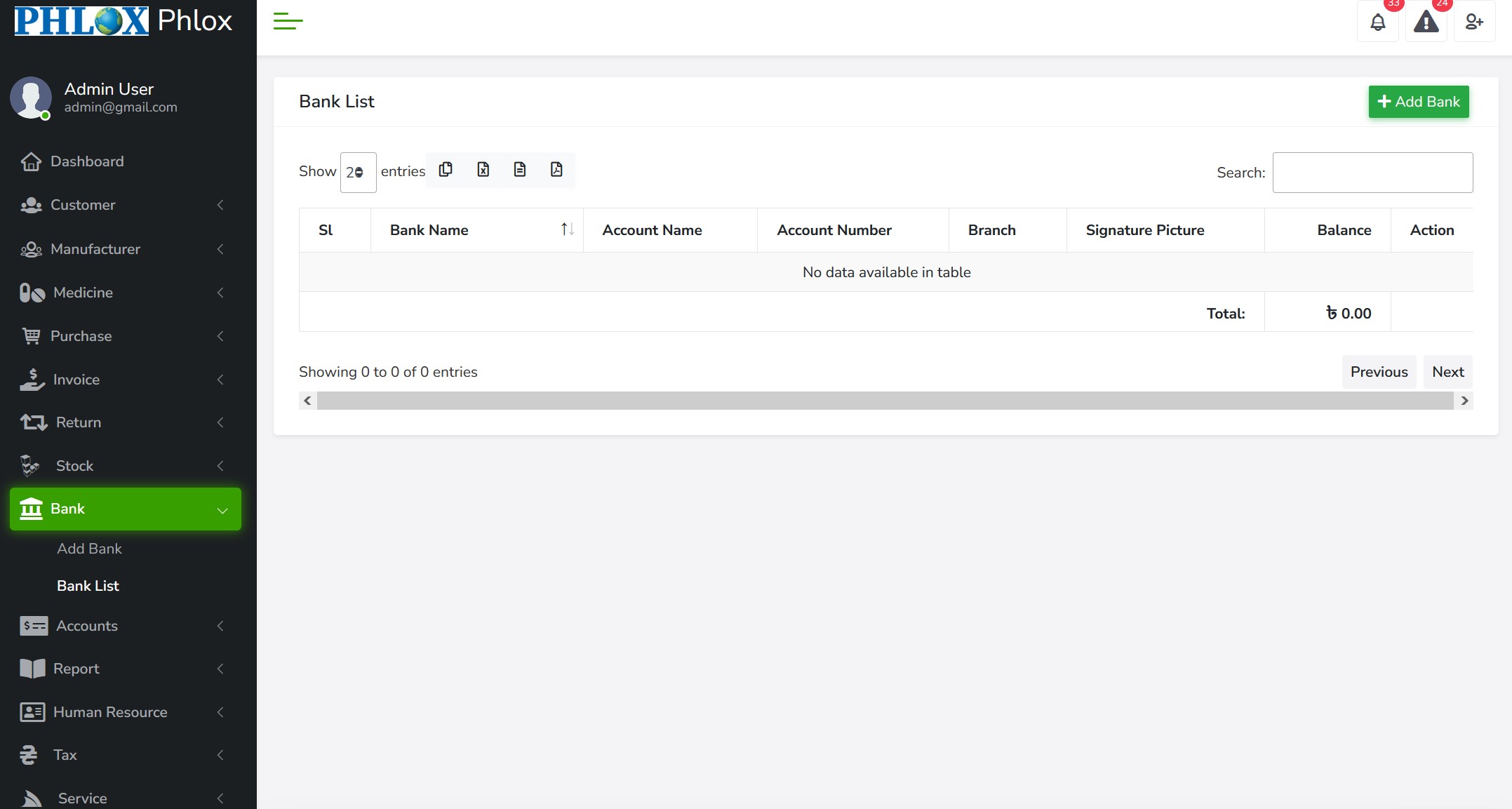
- The “medicine list” will show the complete list of all the medicine stocked in a pharmacy.
- Removal of waste products or waste products from stock.
- Determine the discount product percentage of each product according to the category or separately.
- Print barcodes on a label printer or laser printer.
Customer And Manufacturing Management System
- Adding customers with names, addresses. Contact numbers, email addresses, and other necessary information.
- Enter the opening balance between the customer and the supplier.
- Set the rest of the limit and the deadline as per the requirement.
- View the stock and buy-sell list according to the manufacturer.
- View the profit/loss report according to the supplier.
- Check the customer and supply statements.
Purchase Management System
- Users will get a modern backend POS billing system, hence include details of manufacture, date of purchase, invoice no, and type of payment service.
- Whenever any purchase happens, the user must add the necessary details such as; medicine information, batch ID, expiry date, stock qty, box qty, manufacture price, the total purchase price, and any available discount, vat, etc.
- “Purchase list,” includes all the precious detailed information about any product purchased, such as invoice no, purchase ID, name of the manufacturer, date of purchase, and the total amount.
- Demonstrate the time of selling, discount amount, and make the sale price as required.
- Hold any bill according to need and then recall.
- Print sales receipt for A4, A5, A6, and POS size.
Integrated With Efficient Reporting Function
Report is an essential part of any business. It will help you understand your business’s current condition and help to make future decisions. The report module has the following options:
- Add Closing balance
- Sales Report of users, product and medicine category wise
- Purchase Report
- Profit/Loss account (invoice Wise)
- Profit/Loss account (medicine Wise)
- Profit/Loss(manufacturer wise)
- Can check stock reports in various ways.
- Sale-in-due and money withdrawal list.
- The list of buy-sells in the remainder of the package, according to customers and suppliers.
Employee Information Management System
our Pharmacy management also comes up with a quick Human Resource management system. This system is designed to ensure your efficient use of employees working in your pharmacy. The HRM module carries the following options:
- Manage employee detailed information.
- Smooth the flow of your essential message among the employee & others.
- Also store contact information such as; SMS, Message & Email, and many more.
- Website integration To ensure online presence
- Have the whole report of salary of every employees
- Also can store all the expenses expenditure needed to run your pharmacy business
- Also keeps the full record of income tax related information
Efficient Invoice System
- pharmacy management system offers three different types of selling systems. To make your sale more efficient and comfortable, Pharmacare has a unique sale procedure named GUI sale.
- Can provide smooth transaction facilities by using the Bar/QR code reader or POS invoice facilities.
- “Add invoice” board, where users can add the medicine information, batch, avail qty, expiry date, quantity, price and many more.
- “Invoice list,” where you can store all the information, such as invoice no/ID, name of customer, date of purchase, and the total amount.
- Print invoice receipt for A4, A5, A6, and POS size.
Stock Management System
There are two types of stock reports:
- The first report is for the total quantity of all the products, and the second report is Batch wise.
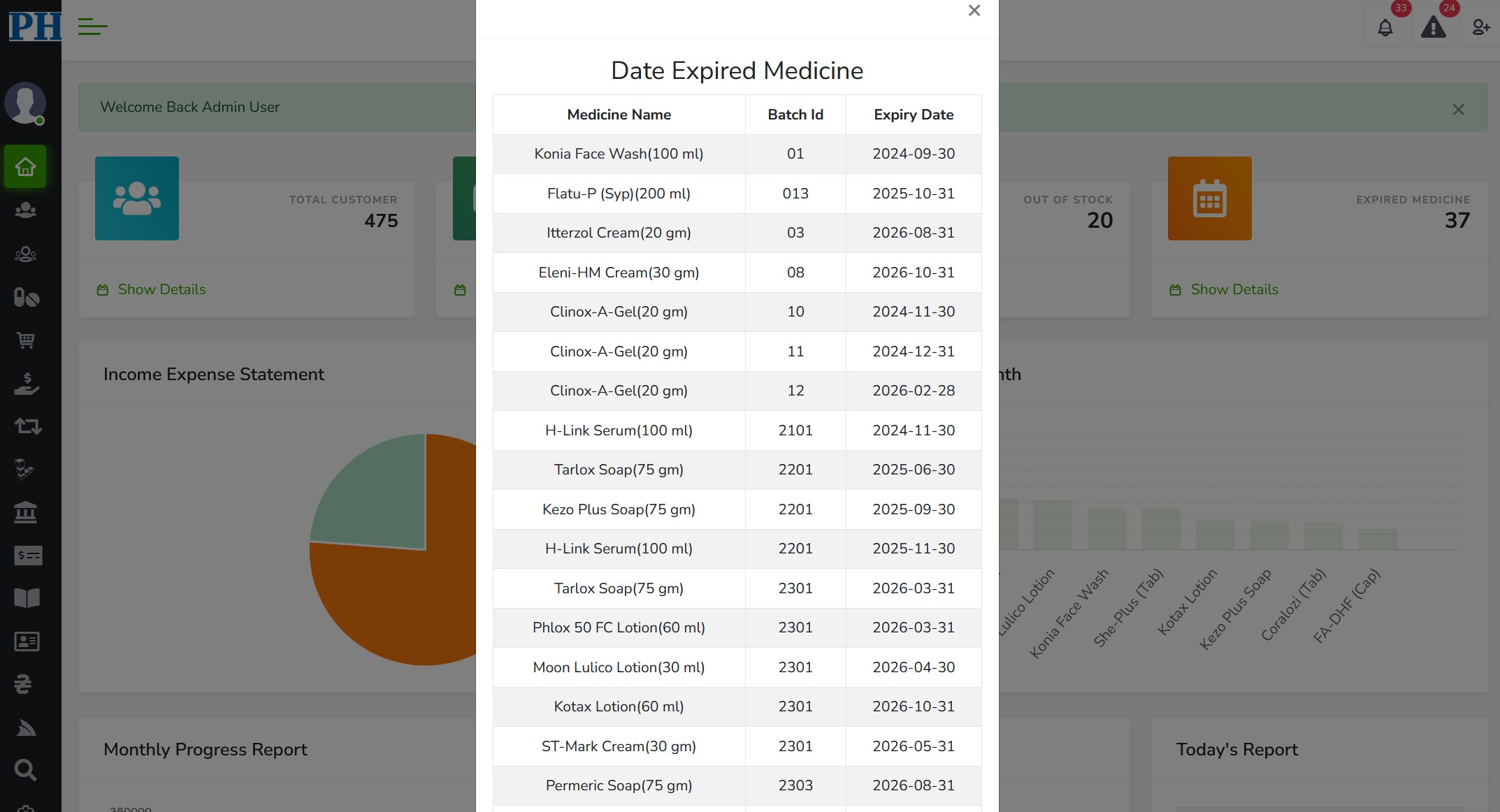
- can check the expiration date of medicine batch-wise in this list.
Service Management System
The Human Resource Management system will help you in the efficient management of human resources. You can keep track of all of your employees. Business ERP software can manage.
- Users can add or create service invoices through this module.
- With pharmacy management system’s service management system, users can add as many services as he/she wants.
- Users also get a complete and chronological service list, mentioning the type of the service, services charges, Vat, IGTA, etc.
Return Management System
We all know that; medicine is a perishable commodity. Thus Return management system is considered to be one of the significant functions for a medicine store. Sometimes users have to need to return some product because it has been delivered in a damaged state or for any other reason.
pharmacy management system has a unique system, which keeps all records of returned goods too. Users have to insert the invoice number of the returned goods, and it will automatically save to the bulk return list. pharmacy management system also offers the option to add the product list that had been returned to the manufacturer and a complete list of a damaged medicine.
Accounts Management System
The “Accounts modules” in our pharmacy management system provide a complete accounts system. Using this module, users can pay the manufacturer’s bill after receiving the payment from customers. The accounts module has the following options:
- Chart Of Accounts
- Cash Adjustment
- Journal Voucher
- Customer Receive
- Contra Voucher
- Supplier payment
- Credit Voucher
- Manufacturer payment
- Debit Voucher
- Voucher Approval


Reviews
There are no reviews yet.